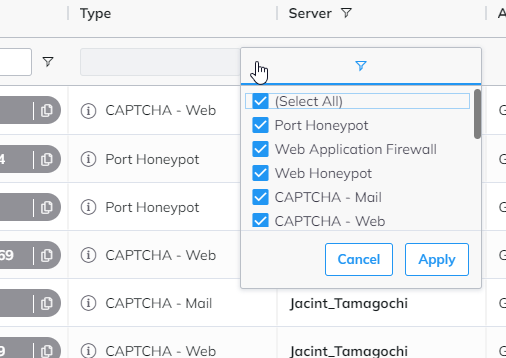

Under the Incidents menu point, you can see what attacks were blocked by BitNinja.
Instructions#
- Select the Incidents menu point at the top of the Dashboard.
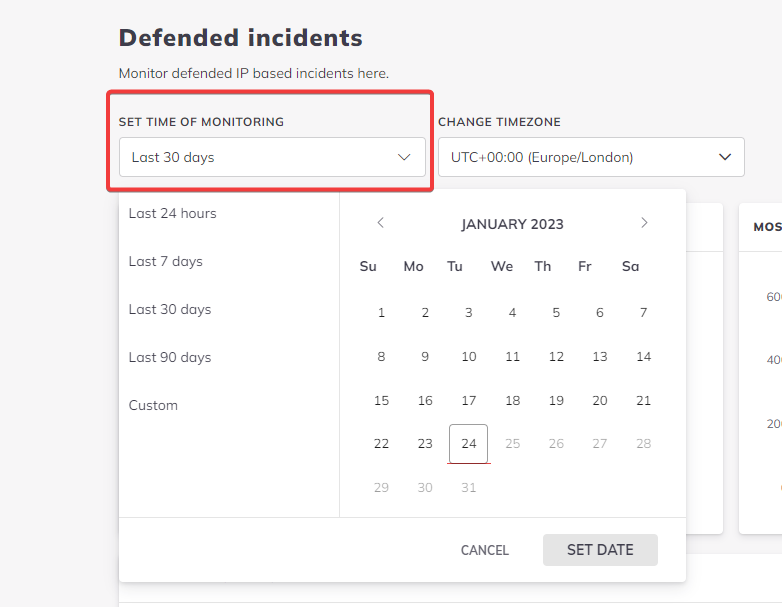
- Filter by date. The period selected can't be bigger than 30 days.
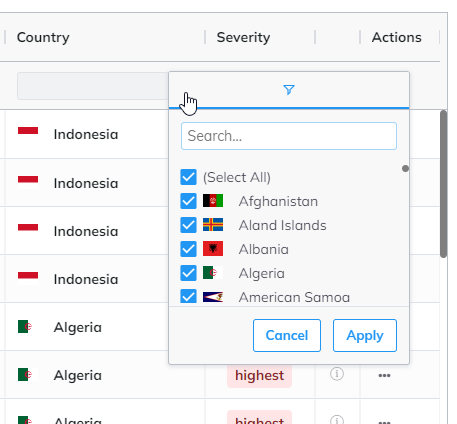
- You can filter by IP address, country,
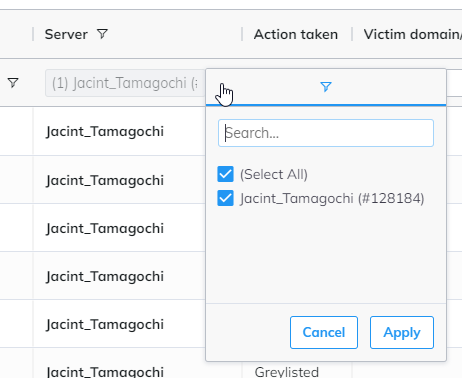
- Select the server which you are interested in
- You can filter by incident types as well.