

The Port honeypot module opens fake services on 100 random ports that have no active service running. So the Port honeypot module won’t stop an active service.
These fake services mimic open ports, so if someone is trying to find an open port to exploit it, the IP address will be challenge listed.
Change the number of port honeypots#
If you would like to run fewer/more honeypot services on your server, you can decrease/increase the number of honeypots in the Configurations menu.
- Open the Configuration menu on your BitNinja dashboard.
- Select the setting level on the left side. (server-level, server group-level, account-level)
- Change the value of the Random mine under the Port Honeypot module

- Save the changes by clicking on the Apply button at the top.
Define ports NOT to use as a port honeypot.#
If you want to ensure BitNinja does not use a port as a port honeypot, you can define it in the config file.
- Open the Configuration menu on your BitNinja dashboard.
- Select the setting level on the left side. (server-level, server group-level, account-level)
- Select the Port Honeypot module.
- Under the "Not used ports," click on the "+ Add new" button
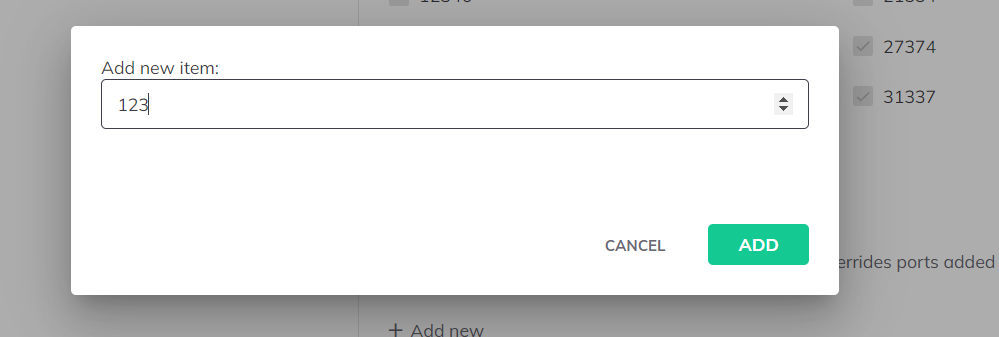
- Enter the Port's number and save it.
- Click on the Apply button at the top.